
Deleting your Vauch App Account
Vauch App users can delete their account by using the Delete Account button in the Profile Manager page
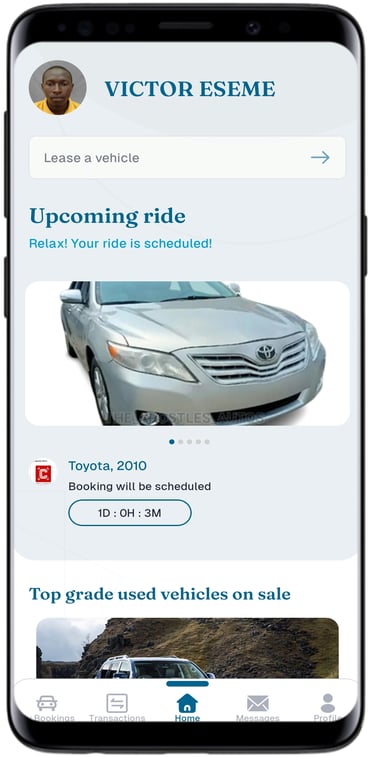
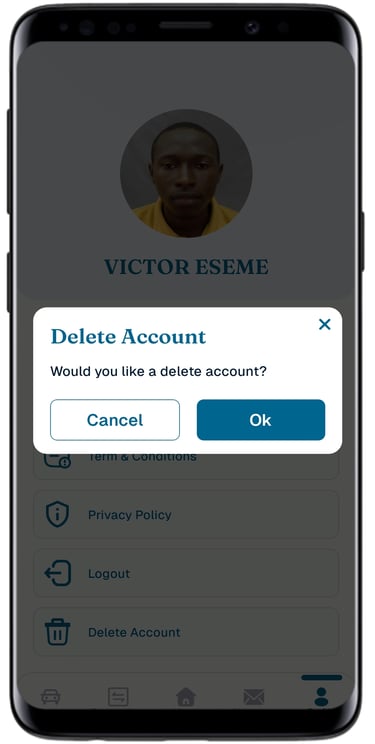
Tap on the Profile button and tap on "Delete Account" button.
Step 1
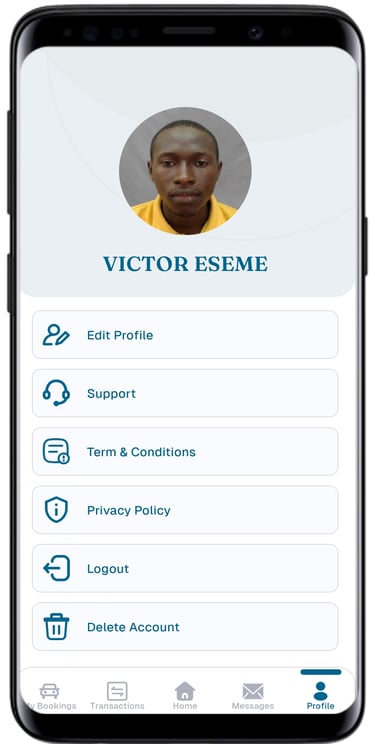
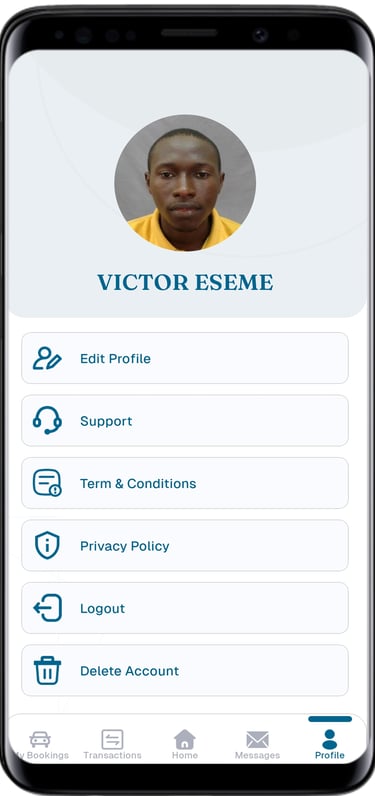
Step 2
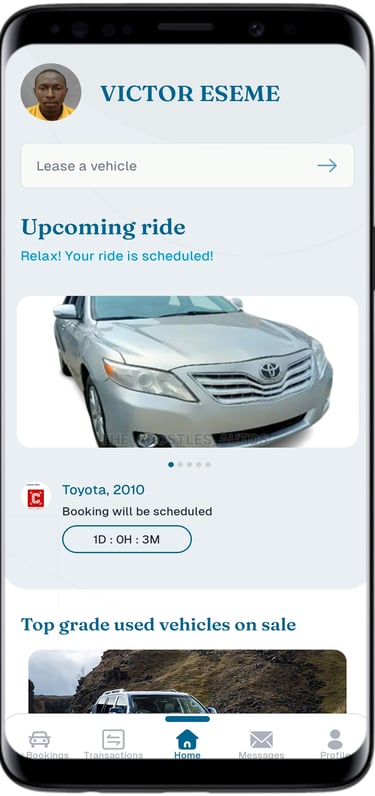
Login to your Home page with your email and password.
Step 3
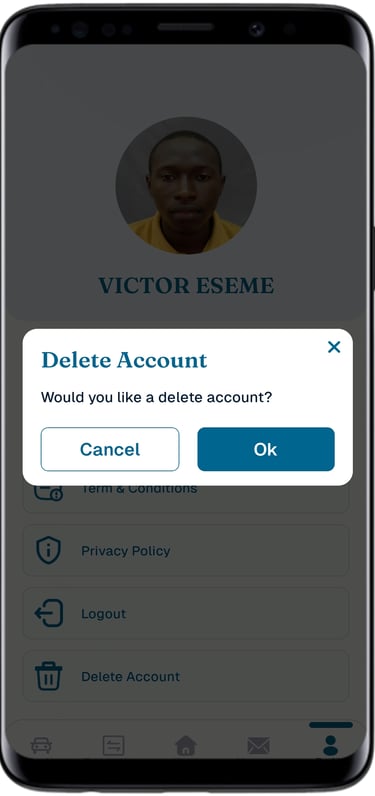
Tap on OK to delete your account and stored data.
Upon completing the Delete account action, the Username and Password is removed from Vauch App database: all user's data and stored information will be removed from our system after 90 days.
© 2026 Vauch Limited All rights reserved.
www.vauchapp.io
Download from your App store